
LODOS is a desktop operating system designed from the ground up for AI. You run the whole system with your voice: no mouse, no technical knowledge. The AI lives inside your computer and runs with minimum resources and maximum local performance.
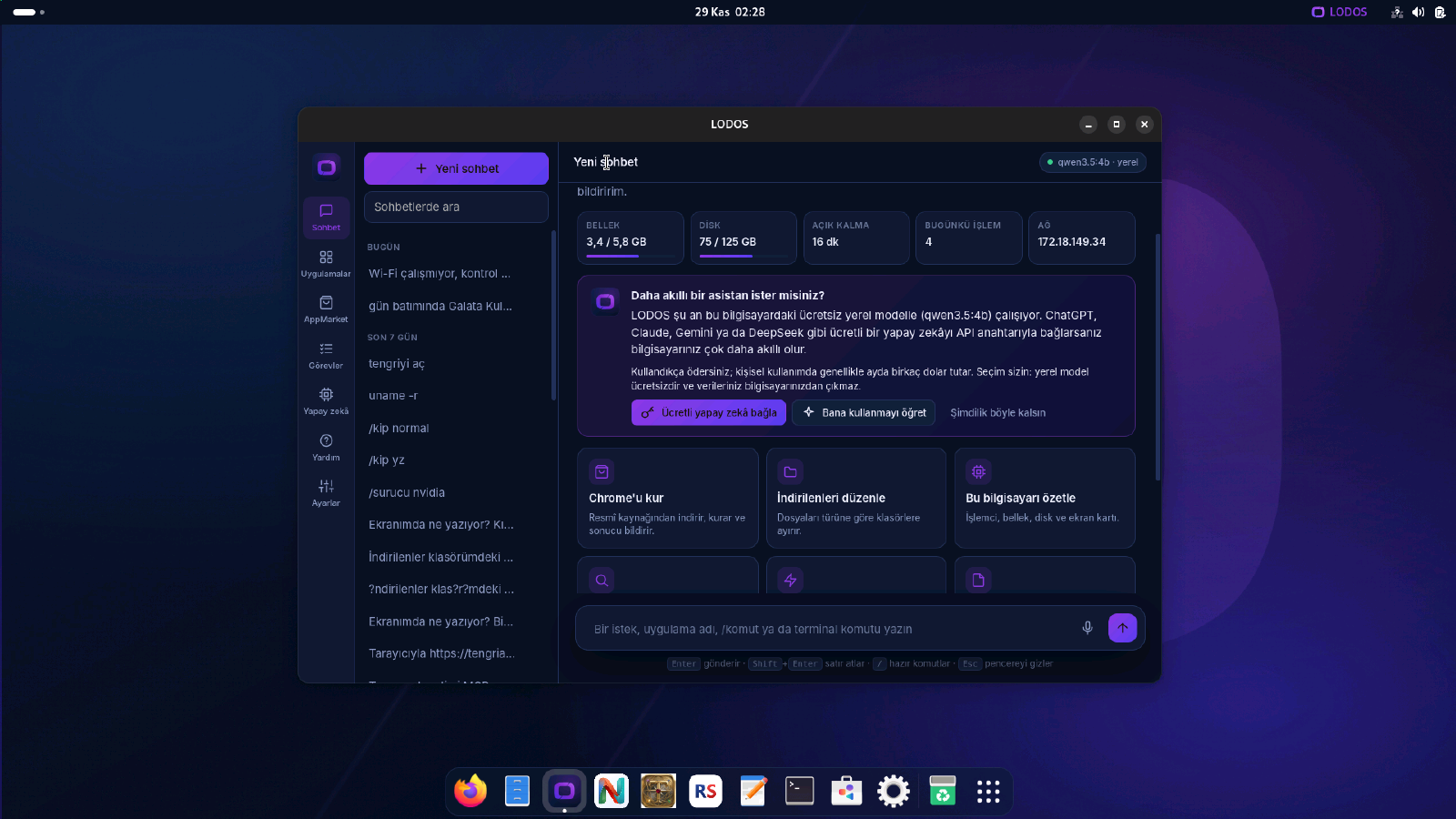
From opening apps to writing reports, from Wi-Fi to printer setup, just say it. You never need to touch the mouse.
Super + K: talkThe desktop is light. AI-only mode silences background work and leaves memory and the graphics card to the model.
AI-only modeLODOS measures your graphics card, memory and bandwidth, then picks and installs the smartest local model that runs fast on that machine.
Works offlinePhone notifications and messages arrive on the computer, and your phone can put the computer to work.
Android app coming soonNo installation, no setup. LODOS boots from a USB stick, recognises your computer and is ready to go.
On Windows and macOS the assistant is an app that reads the screen and asks for permission. In LODOS the AI is the system itself: it reaches apps, files, windows, settings and drivers directly.
Installs apps, edits files, manages windows, sets up printers and Wi-Fi, without screen-scraping.
Every action shows up in Tasks; most can be undone with one click.
Run a command you don't trust in isolation: it cannot touch your files and what it tried to do is reported.
The local model is free and your data never leaves the device. Connect ChatGPT, Claude, Gemini or DeepSeek if you prefer.
The assistant reacts to events: back up when a USB drive is plugged in, warn on low battery, prepare a summary every morning.
All conversations and tasks stay on this device; switch models and carry on where you left off.
The most advanced AI tasks in a single sentence. Beginners are taught how to use AI step by step.
Images and video: it starts with free services; if you want more it explains Midjourney, Google Flow, Kling, Seedance, HeyGen and others with their prices.
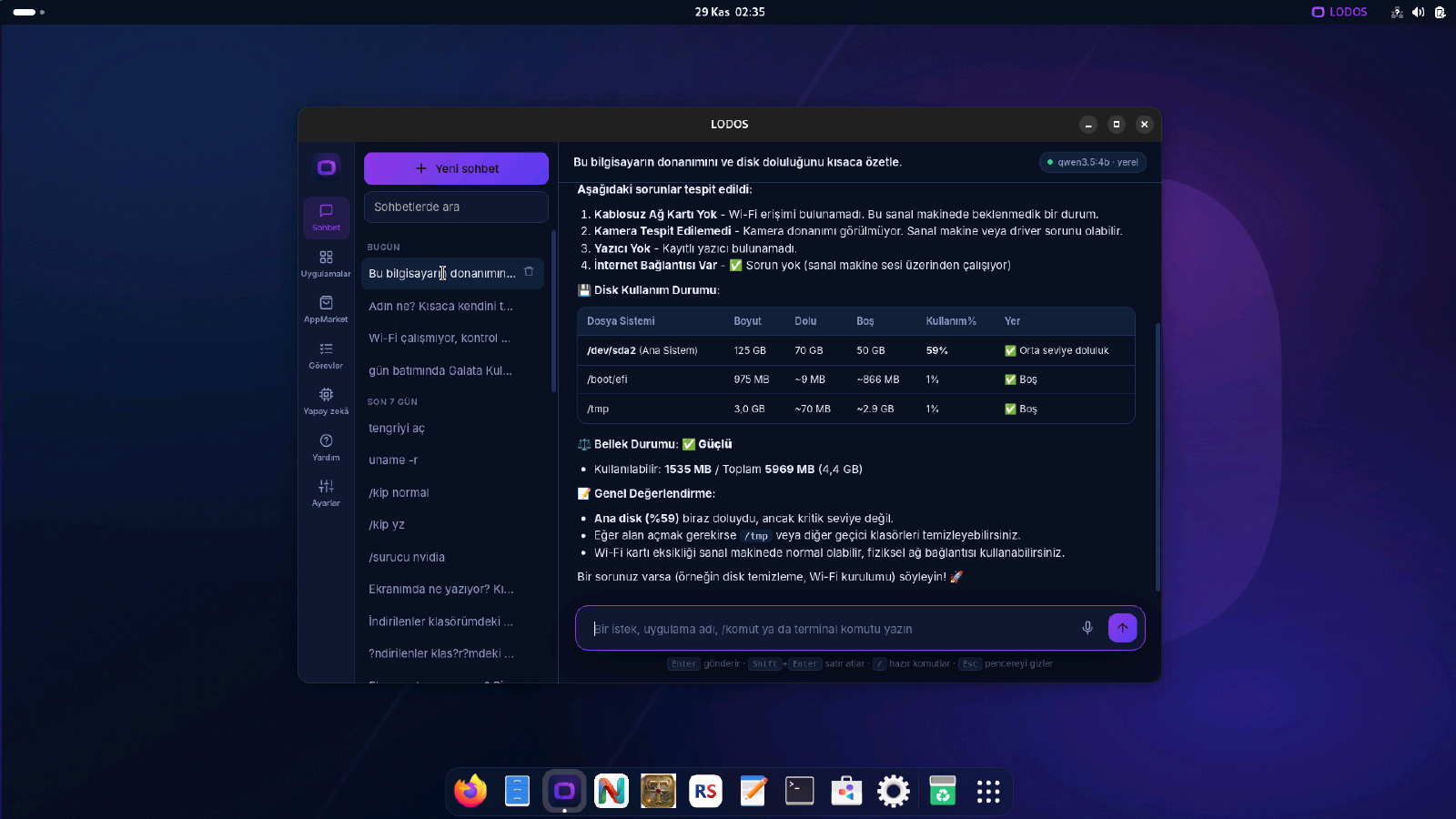
LODOS runs the model on your hardware, not in the cloud, and is built to get the most out of that hardware.
From RTX 20 to RTX 50, RTX PRO and RTX A series, data-centre cards: the NVIDIA edition ships the official driver and CUDA.
On Radeon, Radeon PRO and Intel Arc the model runs on the graphics card through Vulkan.
The model is split across the cards; LODOS recommends a model for their total memory.
On NVIDIA DGX Spark and GB10 machines the 128 GB of unified memory is used for large models.
ECC memory is supported automatically and the system scan shows memory errors. Drivers for server network cards are included.
The advisor watches model speed: it suggests a lighter model when the machine struggles and a smarter one when there is headroom.
No need to get up while the phone charges, and your computer keeps working for you while you are away.
Your Android phone's notifications, SMS and messages from apps like WhatsApp and Telegram arrive on the computer, and you reply from there.
Type or talk to LODOS from the phone's browser on the same Wi-Fi; the work happens on the computer. The phone is paired once with a code.
Put your computer to work by voice while you are away from home and get the result as a notification.
Boots from USB; your computer's disks and Windows files are mounted automatically.
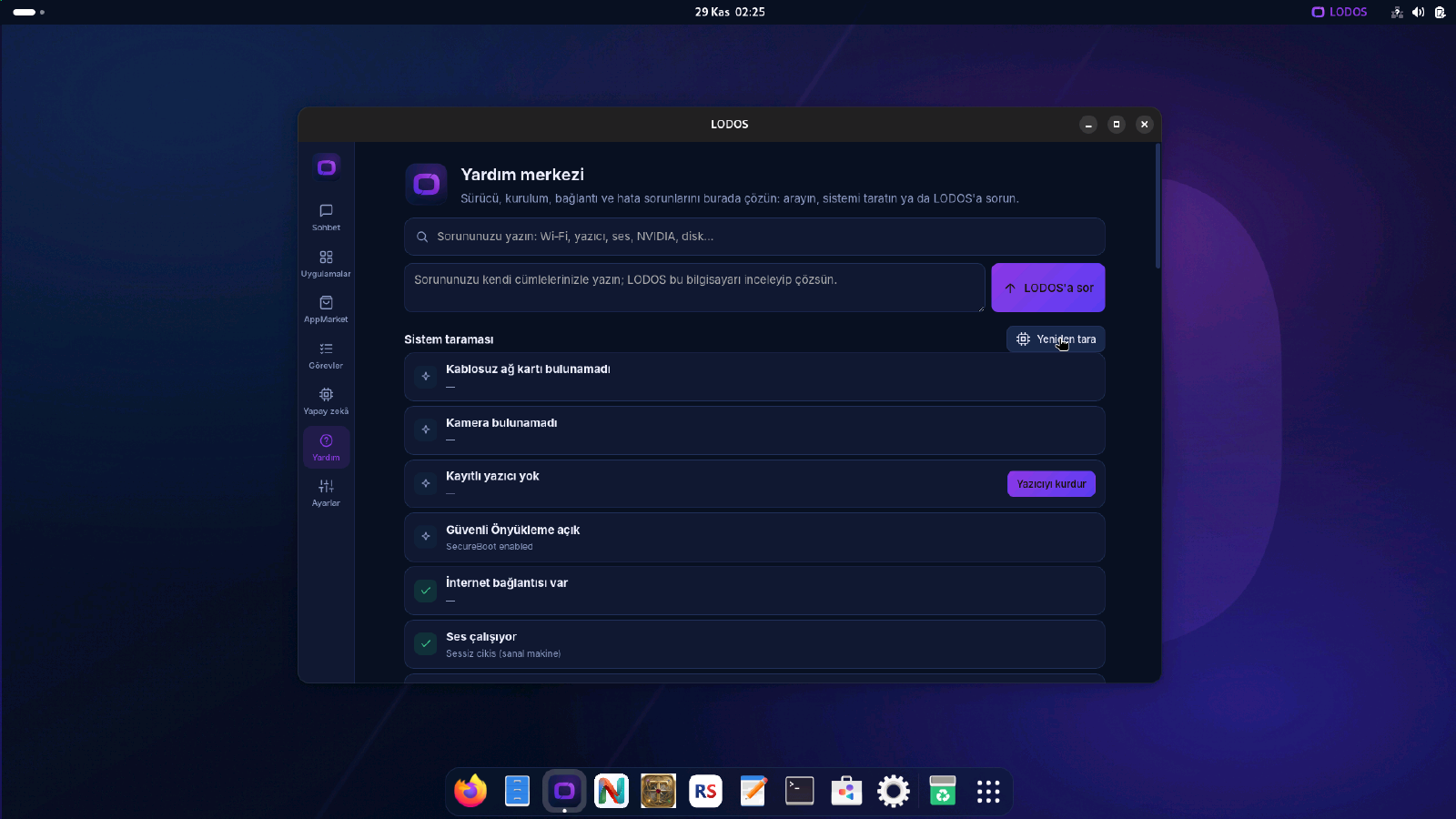
Searchable help in 12 languages for drivers, installation, connection and errors; the system scan finds missing drivers and LODOS fixes them.
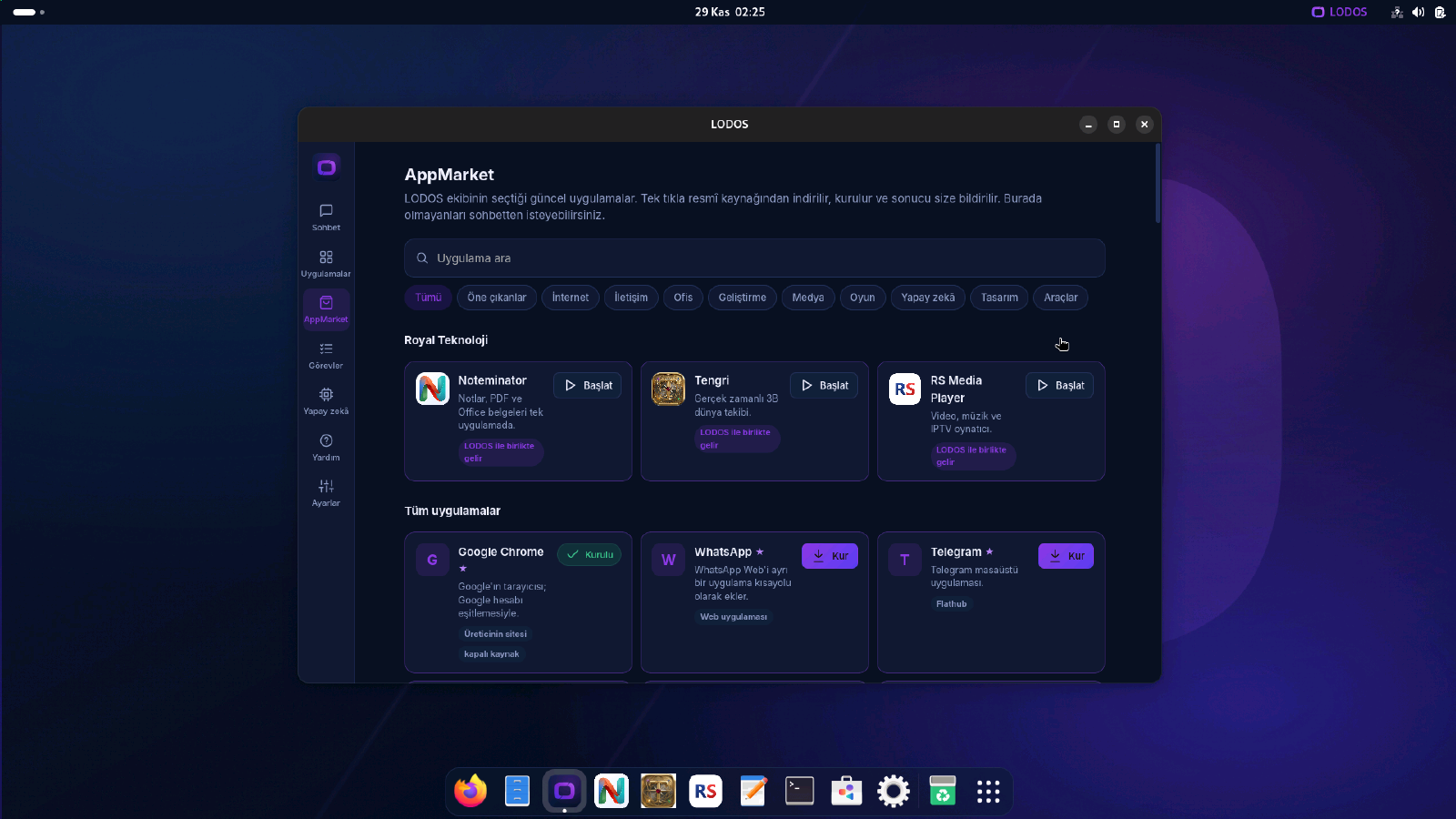
More than 70 up-to-date apps: browsers, office, AI, design, games. One click installs them from the official source.
Turkish, English, German, French, Spanish, Italian, Portuguese, Russian, Chinese, Japanese, Korean, Arabic.
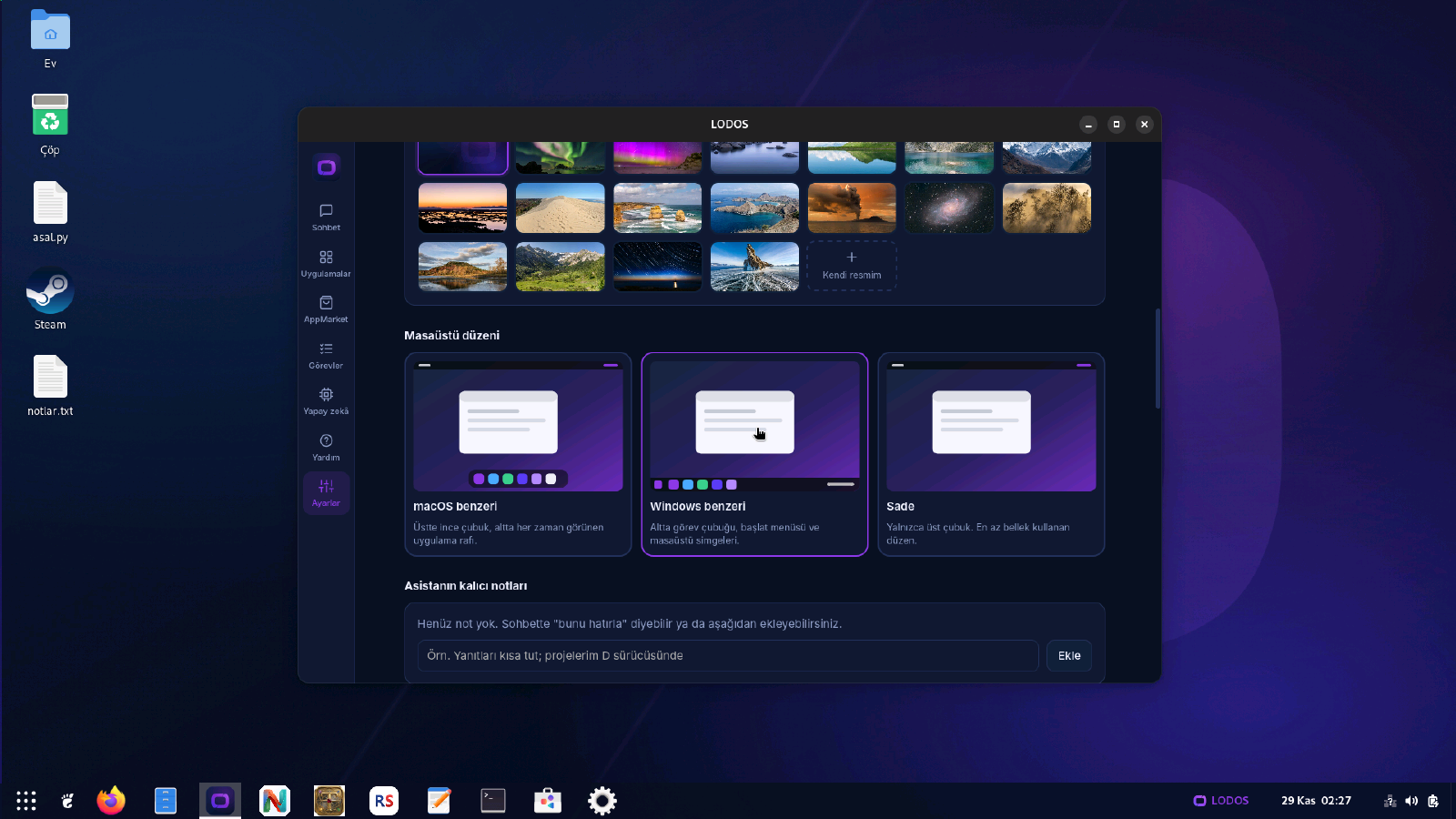
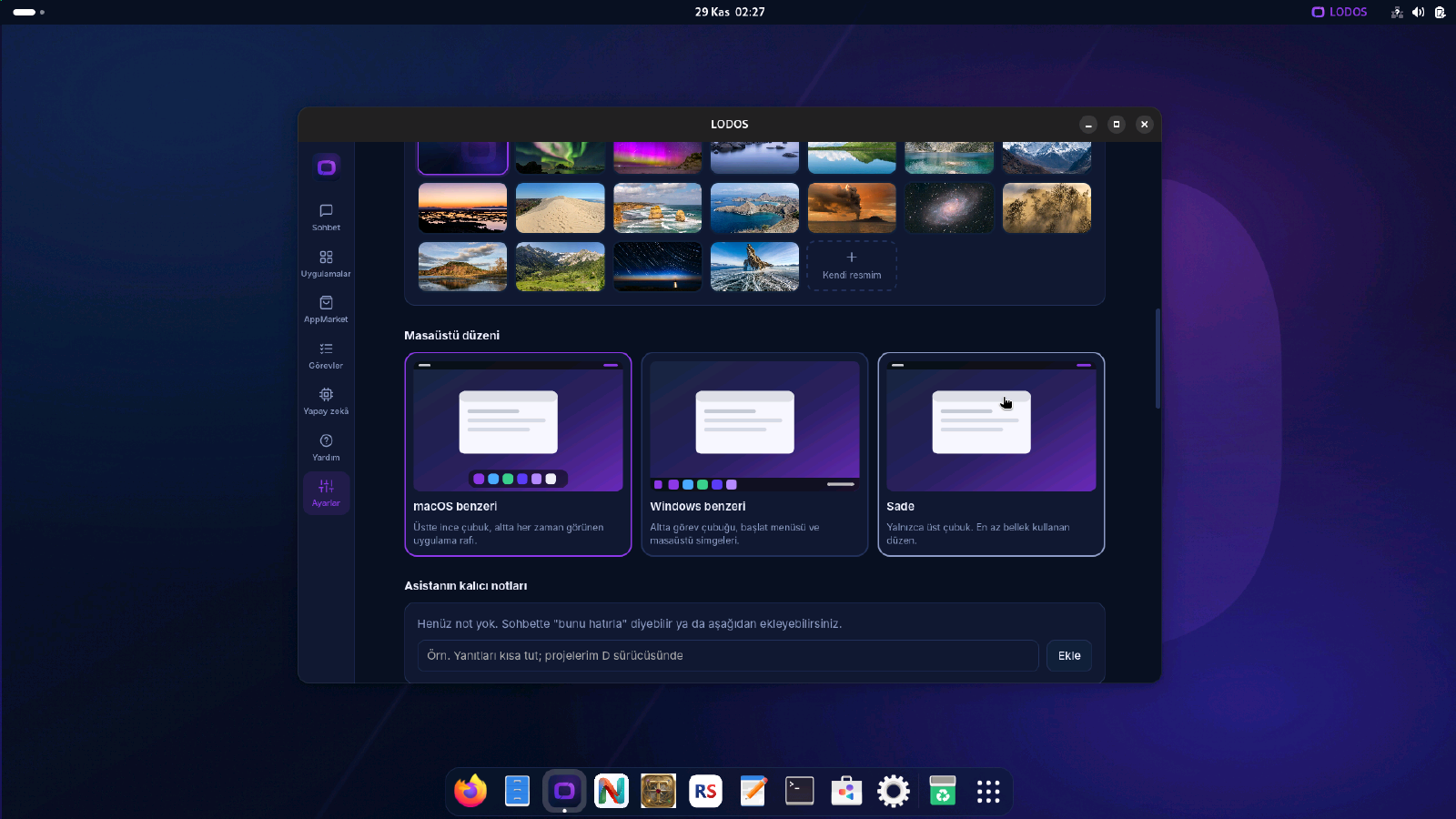
macOS-like, Windows-like or minimal; switch without logging out.
Does sourced research, writes Word, PDF and presentations, summarises documents.
It's free. Pick the edition for your computer's processor and graphics card; this page tries to suggest the right one.
curl -fsSL https://lodos.royalteknoloji.com/indir/lodos-indir.sh | sh -s standart
curl -fsSL https://lodos.royalteknoloji.com/indir/lodos-indir.sh | sh -s nvidia
tar -xzf lodos-0.4.1-spark-arm64.tar.gz && cd lodos-0.4.1-spark-arm64 && sudo bash image/spark/lodos-spark-kur.sh
RTX Spark laptops such as the MSI Prestige N16 Flip AI+ and ASUS ProArt P16 have ARM processors and ship with Windows. NVIDIA does not officially support Linux on them yet; a LODOS edition will follow when support matures.
Not supported. LODOS runs on PCs with Intel or AMD processors and on NVIDIA Grace devices.
Requirements: 64-bit Intel or AMD processor, UEFI, at least 4 GB of memory (8 GB or more recommended for local AI), a USB 3 stick of at least 16 GB.
Yes. Downloading and using LODOS is free. If you connect a cloud AI (ChatGPT, Claude, etc.) you pay that service yourself; the local model is free.
No. When booted from USB nothing is written to your computer's disk. If you choose to install, you can put it next to Windows.
Yes. The built-in local model works offline and your data never leaves the computer. Internet is needed to install apps, research the web and use cloud AI.
No. LODOS is distributed free of charge but its source code is closed. The Debian GNU/Linux base and the open-source components inside come with their own licences.
If you have an NVIDIA RTX graphics card, take the NVIDIA edition; otherwise the Standard edition. Not sure? Boot the Standard edition: Help → "Which LODOS edition suits this computer?" and the system scan will tell you.
The Android app is in development. Today you can already use the assistant from the phone's browser on the same Wi-Fi and see phone notifications on the computer.